 BOOKING STUDIO
14 September 2026
Where the event takes place: a venue for every service
Do you run events in several places? You can now set a venue for every service. Visitors filter the offer by place and find the venue in their confirmation too.

Not every event takes place in the same spot. A pottery class runs in the workshop, yoga in the hall and a boat trip leaves from the harbour. That is why you can now set a venue for every service.
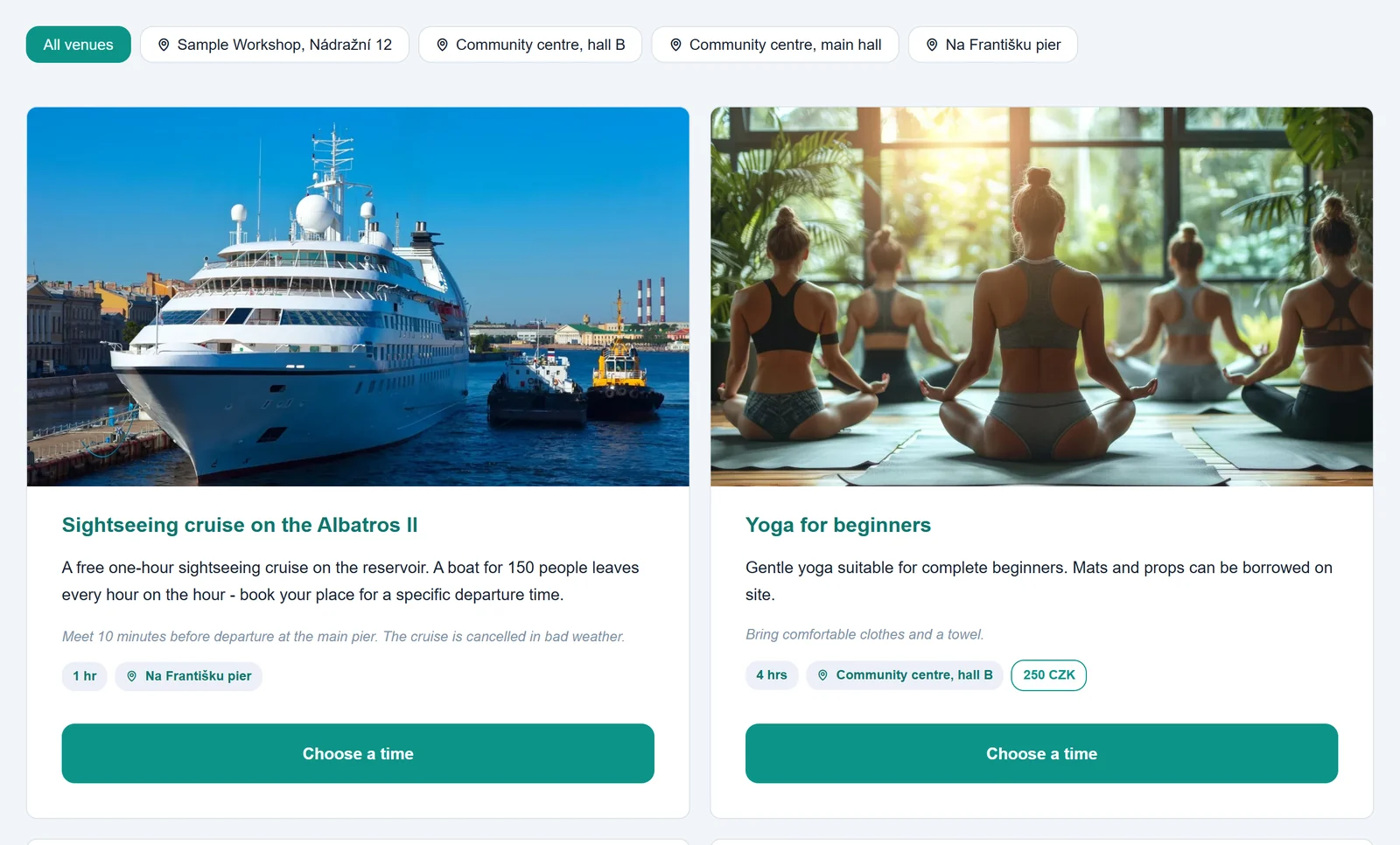
Filter by venue on the website
As soon as your services have at least two different venues, buttons with the individual places appear above the offer. With one click visitors see only the events taking place where it suits them best. The venue is also shown right on the card of every service.
The venue in bookings and in the e-mail
The venue appears wherever you need it: in the booking overview in the admin, in exports to Excel, CSV and PDF, in the statistics and in the confirmation e-mail the customer receives. Nobody ends up at the wrong address.
How to set the venue
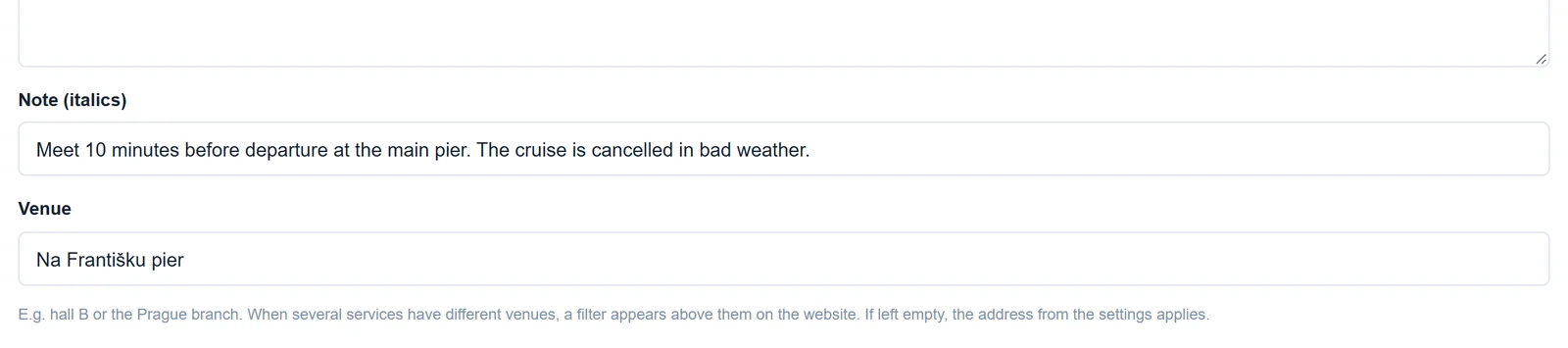
In the admin, open the Services tab, fill in the Venue field for a service and save. If you leave the field empty, the address from the settings applies. If everything takes place in one location, the filter does not appear on the website at all.
Venues for services are currently available in the booking system for events and courses. You can try them out in the community centre demo.